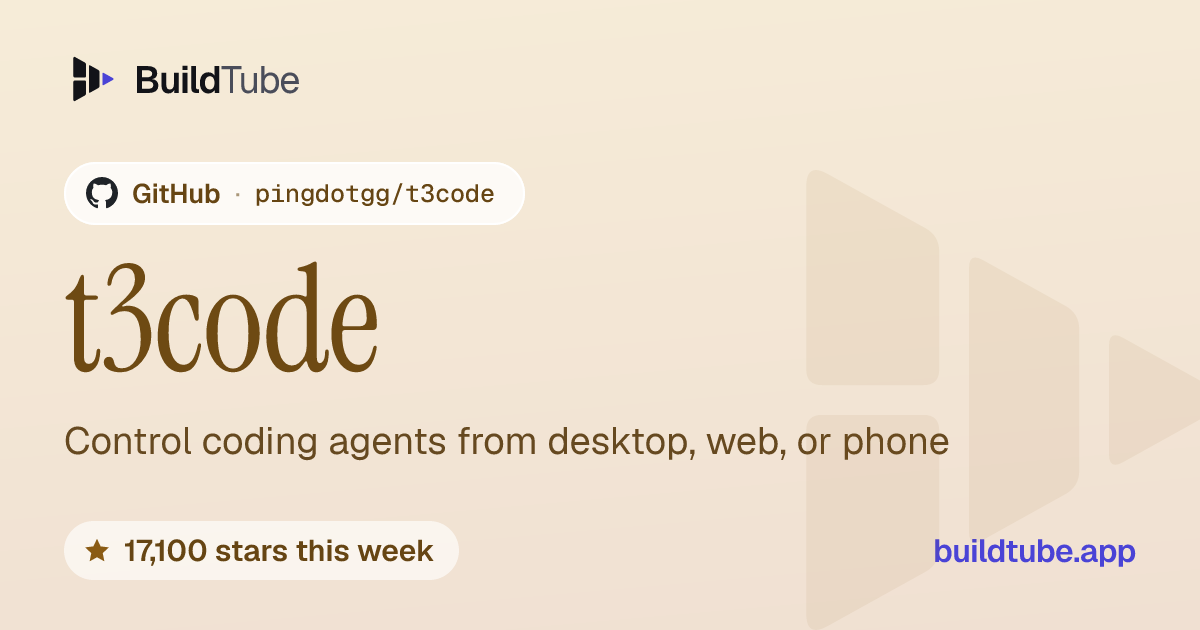
t3code: Control coding agents from desktop, web, or phone
Added · Updated

Made by Ping.gg
View profile on GitHub (opens in a new tab)Follow and direct coding agents on your computer through web, desktop, and mobile interfaces.
For people already using one of the supported agents.
What it does
T3 Code connects to coding agents that are installed and configured on your computer. Its documentation describes a web app, an Electron desktop app, and companion mobile apps as ways to control those agents. It lists Claude Code, Codex, Cursor, Grok Build, OpenCode, and Google Antigravity as supported providers. The software acts as a control surface for those existing tools; it does not supply the underlying model subscription. After setup, the `t3` command starts its local service and opens the web app.
How to use it
Install and sign in to one supported coding agent, install T3 Code for your system, then run `t3` to start the local service and open its web app.
Common use cases
- Start a coding agent on a project, then use T3 Code’s interface to follow or direct the agent’s work.
- Use the documented mobile app to check a coding task that is running on your computer.
- Install T3 Code as a background service and open its local web app when you want to control the supported agent.
Can I use this?
Requirements A supported coding agent installed and signed in. The source lists Codex, Claude Code, Cursor, Grok Build, OpenCode, and Antigravity, plus command-line or desktop installation options.
Caveat T3 Code depends on the supported provider’s own installation and account setup; the source says at least one provider must be installed and authenticated.
Worth knowing The source says the project is very early and users should expect bugs. It requires installing and signing in to at least one supported provider. MIT.
Why it's here
- 17,100 people starred it on GitHub this week — 51,930 in total.
Numbers as of 8 November 2026, from BuildTube’s latest daily refresh.
Behind it
View setup guideBuildTube has not run or verified this project. Everything above is written from what the creator published.
Made this?
Quick questions
- What is t3code?
- T3 Code connects to coding agents that are installed and configured on your computer.
- What can I use t3code for?
- Start a coding agent on a project, then use T3 Code’s interface to follow or direct the agent’s work; Use the documented mobile app to check a coding task that is running on your computer; Install T3 Code as a background service and open its local web app when you want to control the supported agent
- Can I run t3code on my computer?
- It installs as a desktop app on your own computer.
- What do I need to use t3code?
- Install and sign in to at least one supported coding agent, then install T3 Code or use a documented desktop, web, or mobile route.
- What license does t3code use?
- The source lists the MIT license (MIT), an OSI-approved open-source license. Read the license file on the source page for the full terms.
More from this week
- agent-desktop Let AI agents read and click desktop apps
For developers building computer-use agents: agent-desktop lets an AI agent read and operate desktop apps on Mac, Windows or Linux from a command line.
- Auto-Ontology Give AI agents checked business meanings for your database
Help AI agents answer questions about company databases using reviewed definitions and SQL, with each answer showing its steps.
- Spec Kit Turn a written spec into plans, tasks and code
Spec Kit gives your AI coding agent a step-by-step process to build a feature, fix a bug or assess an idea.
Explore by topic
Post this
 Download share image
For makers
Made this? Show it’s on BuildTube — add the badge to your README or embed the card on your site.

README badge (Markdown)
[](https://buildtube.app/p/gh-pingdotgg-t3code/)Embed card (HTML)
<iframe src="https://buildtube.app/embed/gh-pingdotgg-t3code/" width="560" height="240" style="border:0;max-width:100%" loading="lazy" title="t3code on BuildTube"></iframe>