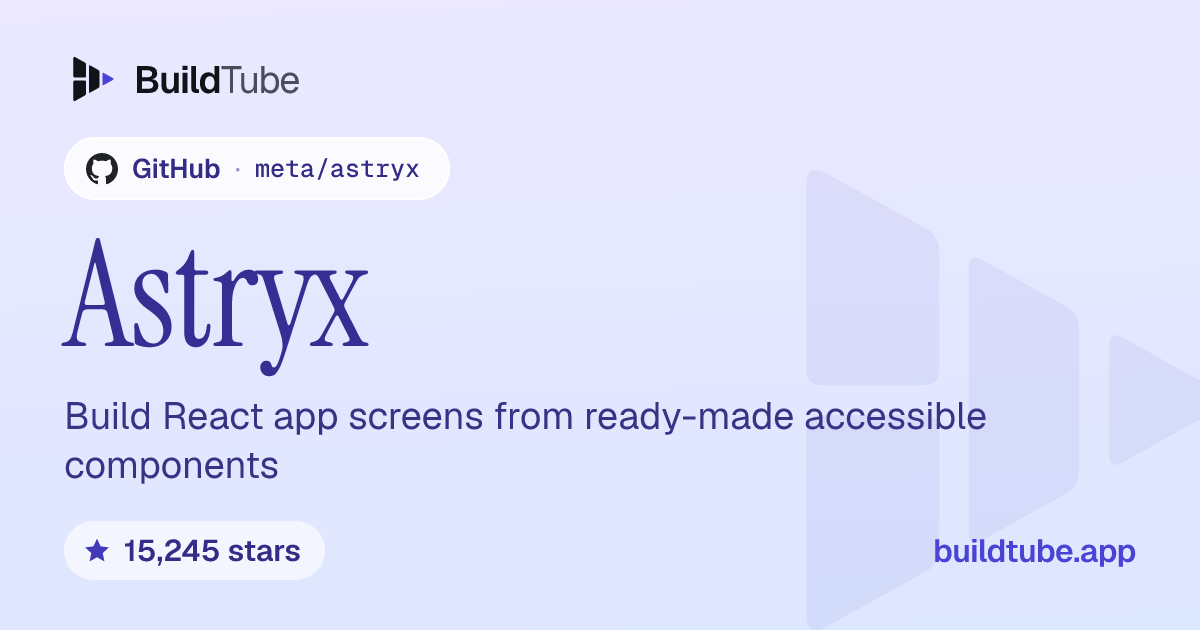
Astryx: Build React app screens from ready-made accessible components
Added

Made by Meta
View profile on GitHub (opens in a new tab)Build React app interfaces with 150+ ready-made components and themes.
For developers who want a customizable design system that both people and AI assistants can use.
What it does
Astryx is an open source design system from Meta: a shared kit of ready-made, accessible React components, themes and a command-line tool for building app screens. You import its pre-built CSS, and a theme is just a set of CSS custom property overrides.
How to use it
Open the live sandbox or Storybook in your browser to try the components first. To use it in a project, install the core package, a theme and StyleX, then add a few CSS imports and a theme provider.
Common use cases
- Install the core package and the neutral theme in a React 19 project, and you get ready-made accessible components to drop into your pages.
- Override a theme's CSS custom properties with your brand values, and your components take on your look without forking or wrapping their source.
- Run the command-line tool's component list command in your project, and you see the available components in the same reference an AI assistant uses.
Can I use this?
Requirements It is a library: you install it with npm, pnpm or yarn and use it inside your own React code. Licensed under MIT.
Caveat Chart packages are published to npm only under the canary tag with no stable release yet, and the experimental lab components are not published to npm.
Worth knowing The project is currently in Beta.
Why it's here
- 15,245 people have starred it on GitHub.
Numbers as of 8 November 2026, from BuildTube’s latest daily refresh.
Behind it
View sourceBuildTube has not run or verified this project. Everything above is written from what the creator published.
Made this?
Quick questions
- What is Astryx?
- Astryx is an open source design system from Meta: a shared kit of ready-made, accessible React components, themes and a command-line tool for building app screens.
- What can I use Astryx for?
- Install the core package and the neutral theme in a React 19 project, and you get ready-made accessible components to drop into your pages. Override a theme's CSS custom properties with your brand values, and your components take on your look without forking or wrapping their source. Run the command-line tool's component list command in your project, and you see the available components in the same reference an AI assistant uses.
- Can I run Astryx on my computer?
- Yes. It's a JavaScript library you install with npm and use inside your own code.
- What do I need to use Astryx?
- React 19 or later, plus npm, pnpm or yarn to install the core package, a theme and StyleX.
- What license does Astryx use?
- Licensed under MIT.
More from this week
- agent-desktop Let AI agents read and click desktop apps
For developers building computer-use agents: agent-desktop lets an AI agent read and operate desktop apps on Mac, Windows or Linux from a command line.
- Auto-Ontology Give AI agents checked business meanings for your database
Help AI agents answer questions about company databases using reviewed definitions and SQL, with each answer showing its steps.
- Spec Kit Turn a written spec into plans, tasks and code
Spec Kit gives your AI coding agent a step-by-step process to build a feature, fix a bug or assess an idea.
Explore by topic
Post this
 Download share image
For makers
Made this? Show it’s on BuildTube — add the badge to your README or embed the card on your site.

README badge (Markdown)
[](https://buildtube.app/p/gh-meta-astryx/)Embed card (HTML)
<iframe src="https://buildtube.app/embed/gh-meta-astryx/" width="560" height="240" style="border:0;max-width:100%" loading="lazy" title="Astryx on BuildTube"></iframe>