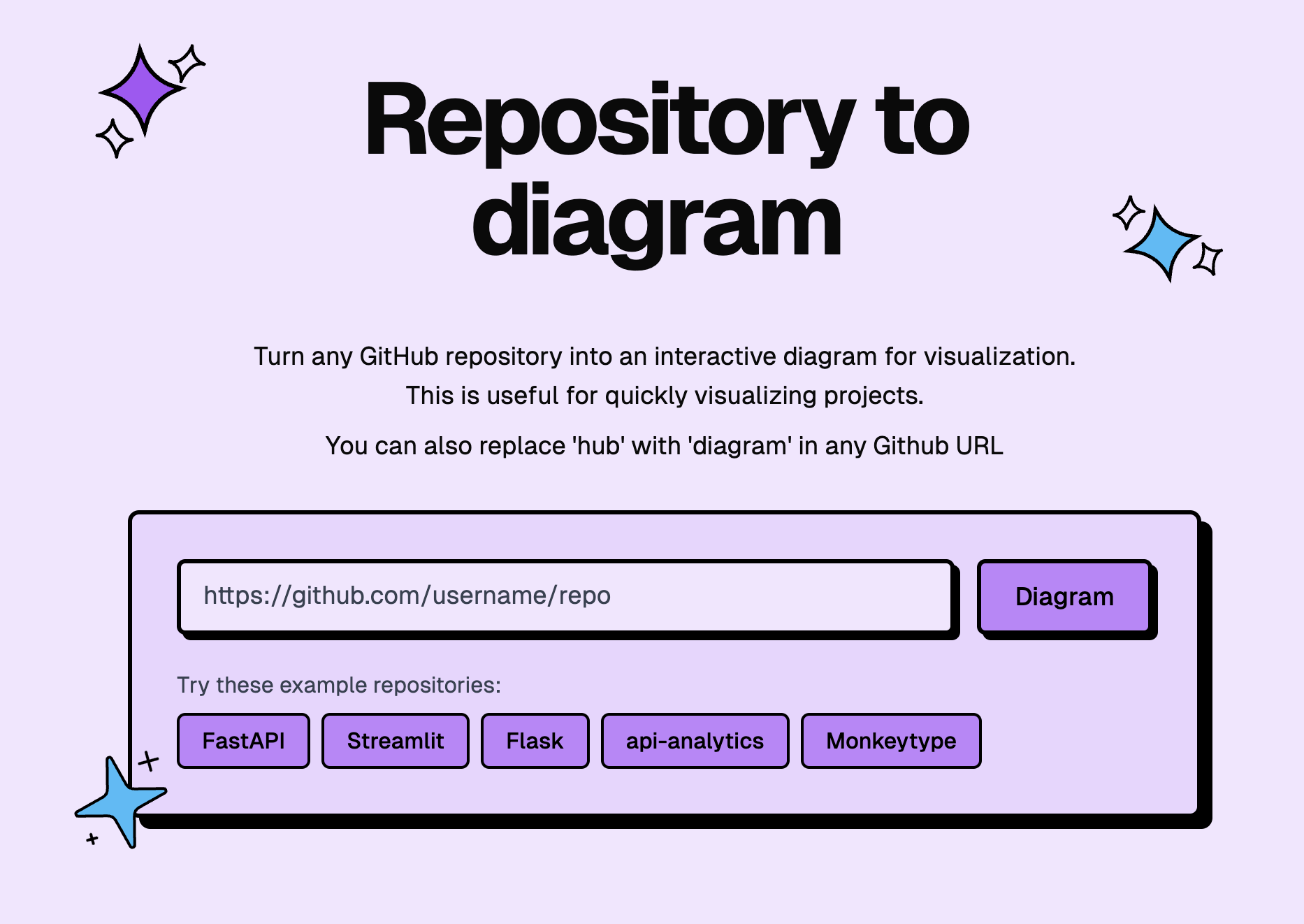
Picture published by the creator on GitHub.
Turn any GitHub repository into a diagram or a narrated video

Made by Ahmed Khaleel
View profile on GitHub (opens in a new tab)GitDiagram reads a public (or, with your own token, private) GitHub repository and draws an interactive architecture diagram of how its parts connect, with each piece clicking through to the actual code.
A newer feature turns the same analysis into a roughly one-minute narrated video explaining what a project does and how it fits together, downloadable with captions burned in. It runs as a free hosted website — swap "hub" for "diagram" in any GitHub URL — and only needs an OpenAI or OpenRouter key if you want to run your own copy instead of using the hosted version. Useful for anyone, technical or not, trying to understand an unfamiliar codebase before deciding whether to use it.
You could use it to…
- Turn any GitHub repo into a clickable architecture diagram
- Watch a one-minute narrated video explaining how it works
- Click a diagram box to jump straight to that code
Opens on gitdiagram.com. BuildTube has not run or verified it.
Can I use this?
You'll need A web browser — just visit gitdiagram.com · No install needed
Worth knowing Diagrams are AI-generated summaries of a codebase and can be wrong or misleading about how something actually works; video generation is described by the creator as "early access." MIT licence. BuildTube has not run or verified this software.
Why it's here
Getting attention on GitHub this week
- 622 people starred it on GitHub this week — 17,676 in total.
Numbers from the snapshot taken 1 October 2026; not refreshed since.
Behind it
See the code on GitHubBuildTube has not run or verified this project. Everything above is written from what the creator published.
Made this?