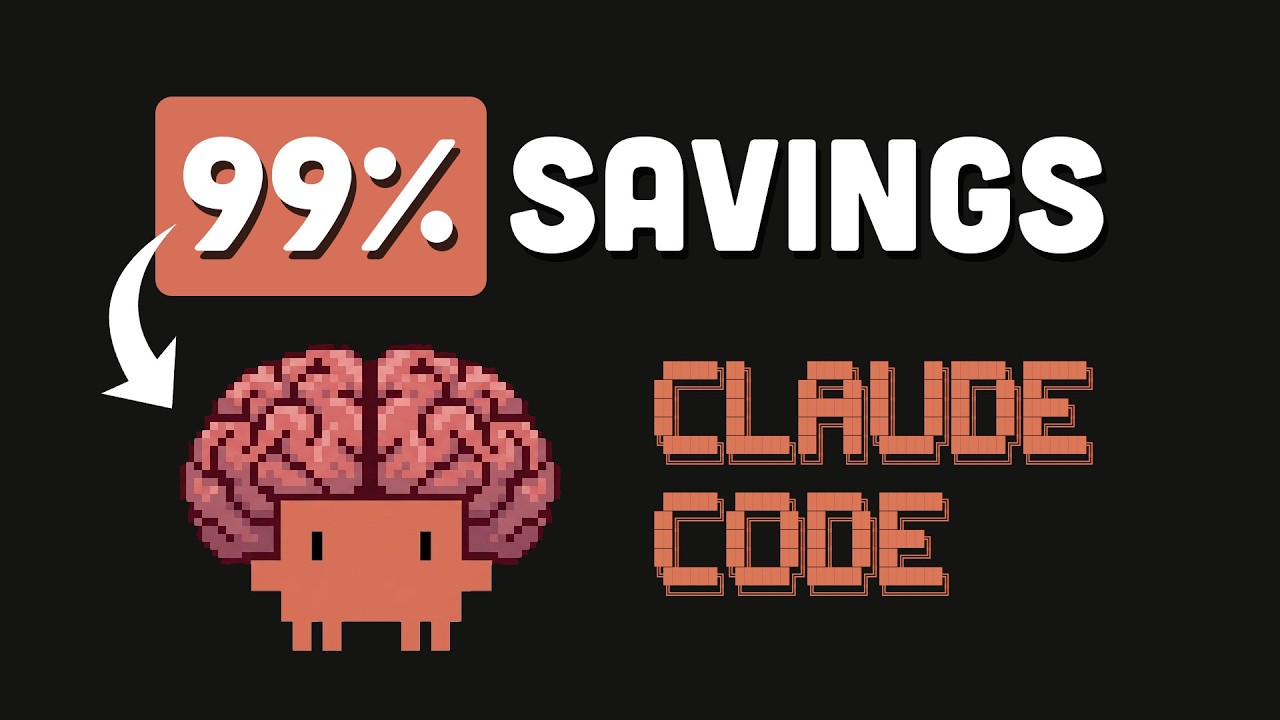
Picture published by the creator on GitHub.
context-mode: Stop tool output from eating your coding agent’s memory
Added · Updated

Made by Mert Köseoğlu
View profile on GitHub (opens in a new tab)A tool server that sits between a coding agent and the tools it calls, and keeps the bulky results out of the conversation.
A browser snapshot or twenty issue records can each be tens of kilobytes of raw text; the project reports shrinking 315 KB of tool output to 5.4 KB. It also records every file edit, Git action, task and decision to a local database, so when the conversation is compacted the agent can search that record and pick up where it was instead of forgetting what it was editing. A fourth part trims the agent’s own filler.
What it does
A context window is finite, and the usual way it runs out is not long conversation but tool output: raw data dumped in whole because the tool had no way to know which part mattered. Context Mode addresses that from four directions. Sandboxed tools keep the raw result outside the window and pass back only what was asked for. Session continuity writes every file edit, Git operation, task, error and user decision into a local database indexed for full-text search, so after a compaction the agent retrieves the few relevant entries by search rather than having the whole history re-inserted. Thinking in code means the agent writes a script that computes an answer and prints only the result, instead of reading fifty files into the window to count something. And the output side is trimmed too, since pleasantries and verbose explanation burn the same budget. It works with a long list of agents and editors.
You could use it to…
- Keep a huge browser snapshot out of your coding agent's context window
- Resume the same file and task list after the conversation is compacted
- Search a record of every file edit and Git action from the session
Can I use this?
You'll need A coding agent that supports MCP tool servers · Setup needed
Worth knowing The reduction figures are the project’s own measurements on its own examples, and how much you actually save depends entirely on which tools you use and how chatty they are. It adds a component between your agent and its tools, which is another thing to install, configure and debug when something behaves oddly. Session history is deleted when you start fresh rather than continuing, which is a deliberate choice but one to know about. GitHub lists its license as "Other" because it uses the Elastic License 2.0 (source-available): you may use, fork, modify and distribute it, but may not offer it as a hosted or managed service or remove its licensing notices.
Why it's here
Not trending this week
Last seen on the GitHub trending list on 22 October 2026. It stays on BuildTube so you can still find it.
- 33,675 people have starred it on GitHub.
Numbers checked on 8 November 2026; not refreshed since.
Behind it
View setup guideBuildTube has not run or verified this project. Everything above is written from what the creator published.
Made this?
Quick questions
- What is context-mode?
- A context window is finite, and the usual way it runs out is not long conversation but tool output: raw data dumped in whole because the tool had no way to know which part mattered.
- What can I use context-mode for?
- Keep a huge browser snapshot out of your coding agent's context window; Resume the same file and task list after the conversation is compacted; Search a record of every file edit and Git action from the session
- Can I run context-mode on my computer?
- It runs as an add-on inside an AI assistant you already use.
- What do I need to use context-mode?
- A coding agent or editor that supports MCP tool servers — the project lists Claude Code, Codex, Cursor, Copilot, Zed, OpenCode and others — plus Node.js to run the server and local disk for the session database.
- What license does context-mode use?
- GitHub lists its license as "Other" because it uses the Elastic License 2.0 (source-available): you may use, fork, modify and distribute it, but may not offer it as a hosted or managed service or remove its licensing notices.
More from this week
- Stroq Check AI coding agent sessions for leaked keys
Stroq scans your recent Claude Code and Codex sessions for keys that left your machine.
- Garden Skills Give your coding agent video and web design skills
Install ready-made skills so Claude Code, Cursor or Codex can make short videos, web pages and articles.
- agent-desktop Let AI agents read and click desktop apps
For developers building computer-use agents: agent-desktop lets an AI agent read and operate desktop apps on Mac, Windows or Linux from a command line.
Explore by topic
Post this
 Download share image
For makers
Made this? Show it’s on BuildTube — add the badge to your README or embed the card on your site.

README badge (Markdown)
[](https://buildtube.app/p/gh-mksglu-context-mode/)Embed card (HTML)
<iframe src="https://buildtube.app/embed/gh-mksglu-context-mode/" width="560" height="240" style="border:0;max-width:100%" loading="lazy" title="context-mode on BuildTube"></iframe>