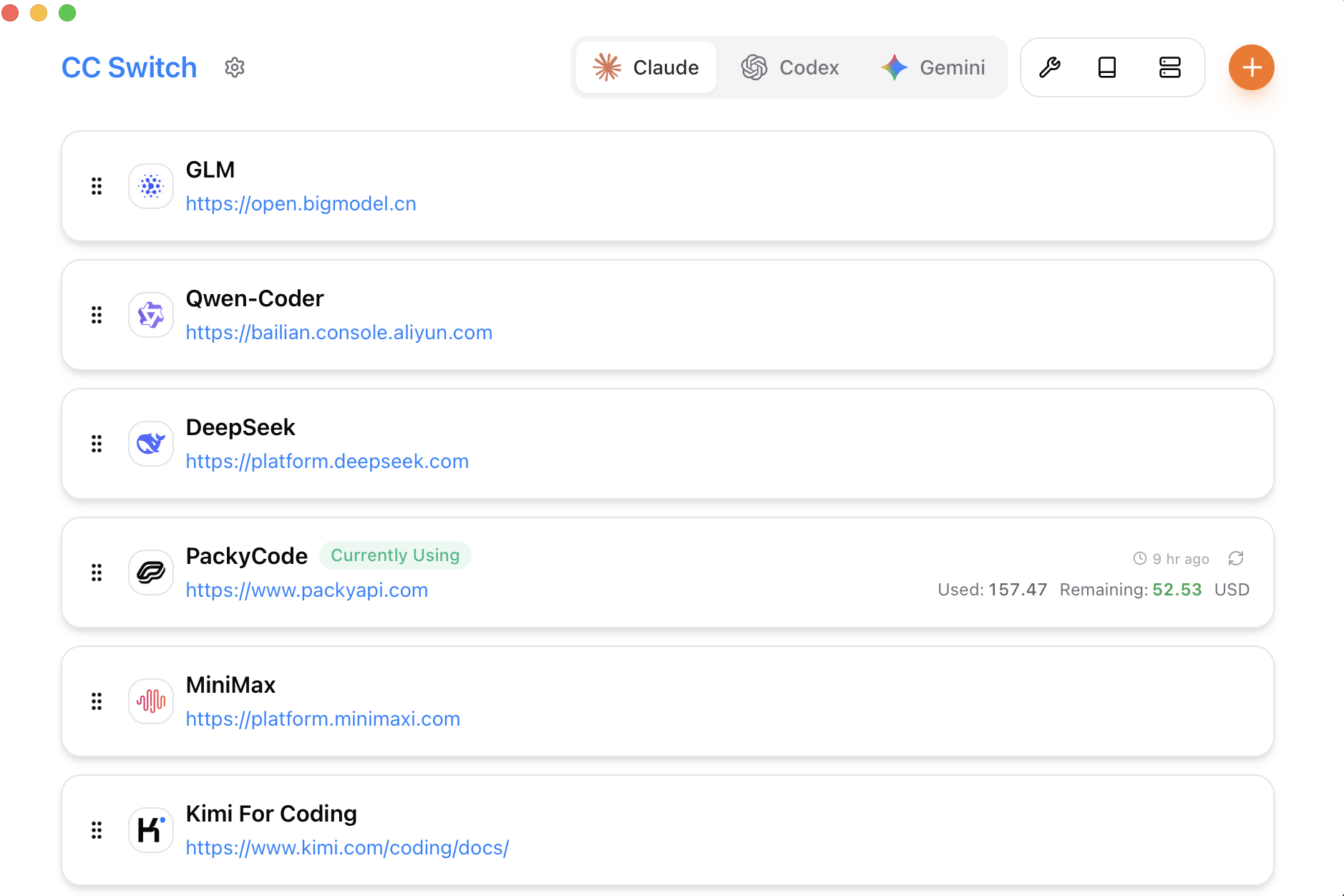
Picture published by the creator on GitHub.
Switch AI model providers across your coding tools in one click

Made by Jason Young
View profile on GitHub (opens in a new tab)CC Switch is a desktop app that manages provider settings for a dozen-plus AI coding tools — Claude Code, Codex, Gemini CLI, OpenCode and others — so switching from one model provider to another does not mean hand-editing JSON, TOML or YAML configuration files.
It also collects MCP servers, skills and prompts in one place across those tools. It is built with Tauri, a framework for small cross-platform desktop apps, and runs on Mac, Windows and Linux (including WSL).
You could use it to…
- Switch AI model providers across a dozen coding tools at once
- Stop hand-editing JSON, TOML or YAML config files
- Manage MCP servers, skills and prompts from one screen
Can I use this?
You'll need A Mac, Windows or Linux computer and provider API keys · Setup needed
Worth knowing It edits the configuration files of other tools on your machine, so a mistake can point those tools at the wrong provider or key; the README lists sponsored API resellers, which are separate services with their own terms, not part of the app itself. MIT licence. BuildTube has not run or verified this software.
Why it's here
Not trending this week
Last seen on the GitHub trending list on 25 September 2026. It stays on BuildTube so you can still find it.
- 140,488 people have starred it on GitHub.
Numbers checked on 6 October 2026; not refreshed since.
Behind it
See the code on GitHubBuildTube has not run or verified this project. Everything above is written from what the creator published.
Made this?